

Campaign Modes Explained
Strategy guide: Want the bigger campaign playbook behind this setup? Read Referral Programs.
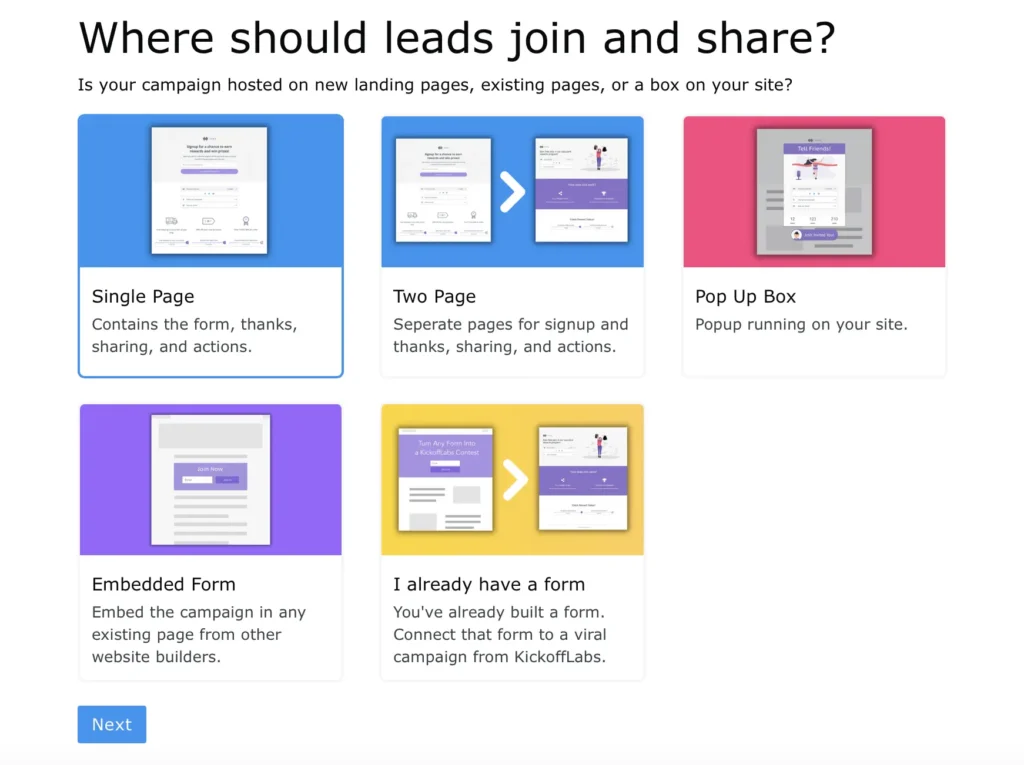
There are five campaign modes that a KickoffLabs contest can run in. These types range in complexity from beginner to advanced. Let’s take a look at how you can integrate your next campaign with KickoffLabs.
[New Landing Page(s)](/getting-started/getting-started-with…
Section titled “[New Landing Page(s)](/getting-started/getting-started-with…”-kickofflabs-pages) Choose from a single page or two page set-up. Pages are hosted by KickoffLabs on a .kickoffpages.com subdomain and can optionally be published to a custom domain/subdomain of your choosing!

Landing Page Set-up Options Single Page Contest -
Section titled “Landing Page Set-up Options Single Page Contest -”This option is great if you’re loo…
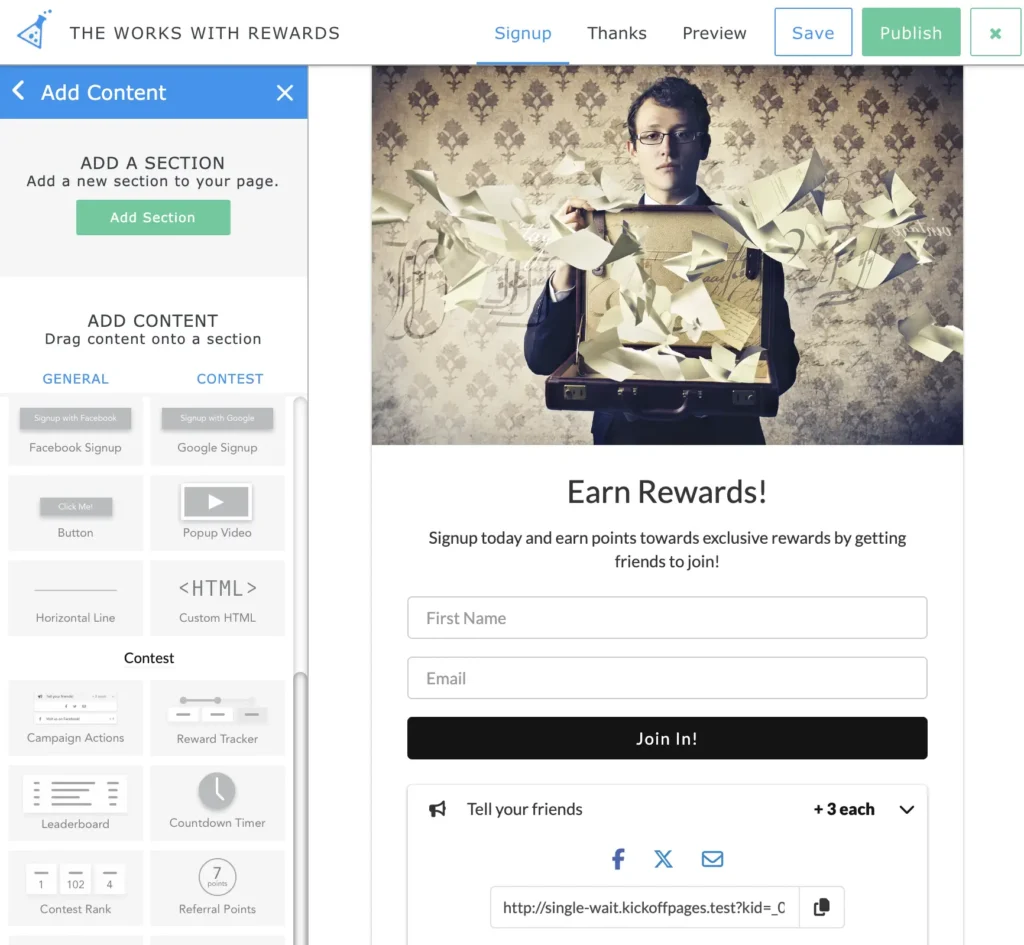
king for leads to sign-up and view their status, all from one page. Simply select your campaign type, choose a template, and set a confirmation message. You can also preview the contest to see how a new lead and an existing lead would view the page. See more about previewing your pages here. **Landing Page to Status Page - **A two page set-up is the original set-up at KickoffLabs. This option allows you to customize a landing page and a separate status page that the lead sees after sign-up. This is great if you’re wanting to keep the experience separate. Learn more about setting up a two step campaign below.
[Pop-up Box](/
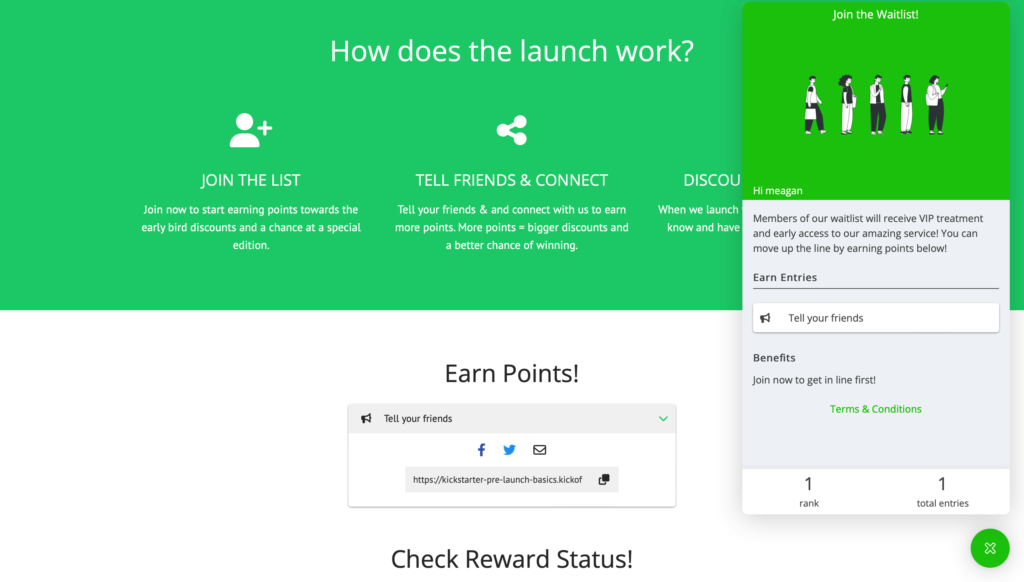
Section titled “[Pop-up Box](/”-on-external-websites) The pop-up feature allows for you to install a pop-up on a page of any website! (aslong as you have access to add HTML to your website). Leads can easily opt-in to the contest via the pop-up and view their stats/share with friends.
Embeds Our Embeds feature allows…
Section titled “Embeds Our Embeds feature allows…”for you to directly embed a KickoffLabs powered form onto a page of any website! (aslong as you have access to add HTML to your website). Leads can easily opt-in to the contest via the embedded form and view their stats/share with friends.
[Already Have an Existing Form Externally?](/
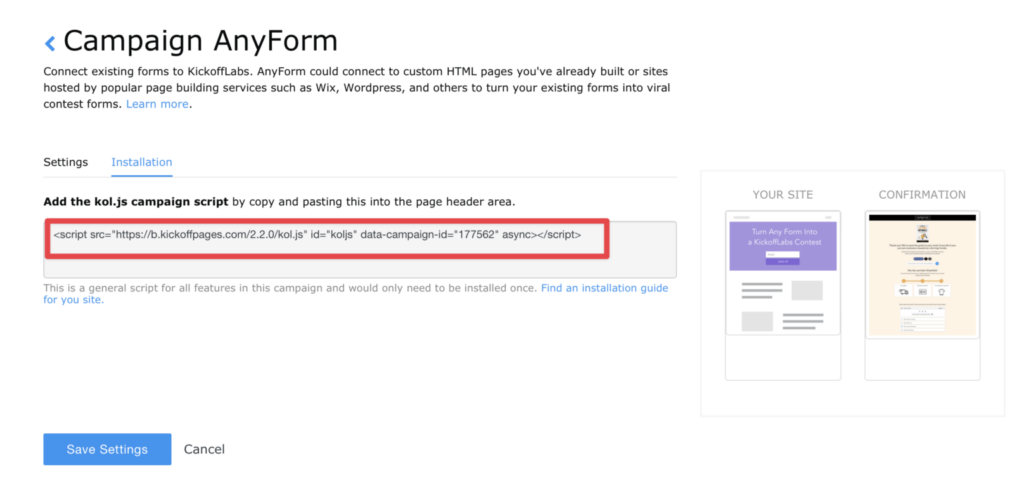
Section titled “[Already Have an Existing Form Externally?](/”n/anyform) This option is the perfect solution if you’d like to integrate KickoffLabs with an external landing page, but would still like leads to. be redirected to a unique status page where they can view points/rewards/share the contest with friends. This solution involves a bit of coding knowledge as you will need to paste our Anyform script into the header of your existing website.
Need help? Email support@kickofflabs.com with your campaign URL, the lead email you tested with, and a screenshot of what you expected to happen.