What is a KickoffLabs campaign?
This guide walks through what is a kickofflabs campaign? for troubleshooting.
Strategy guide: Want the bigger campaign playbook behind this setup? Read Referral Programs.
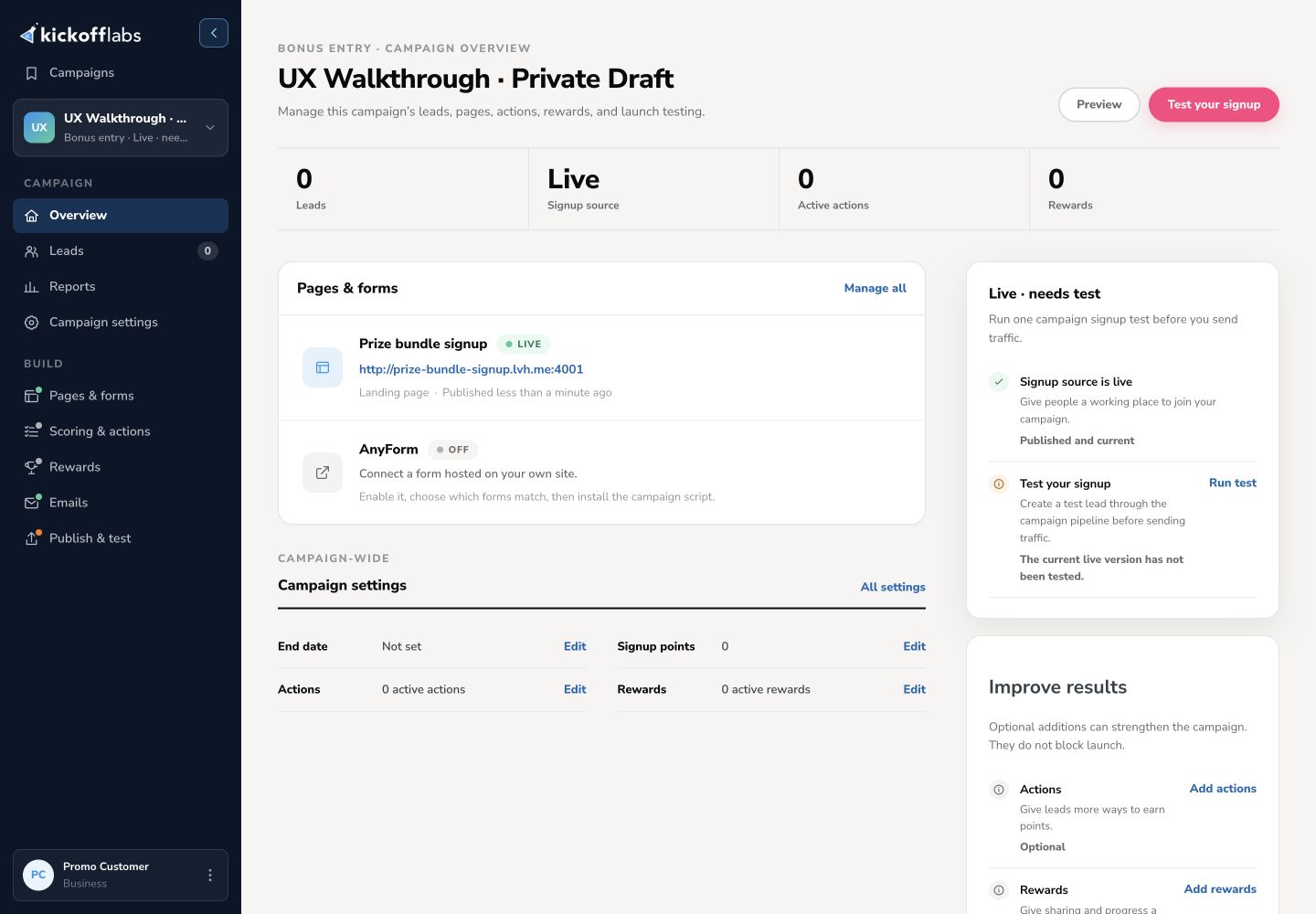
Welcome to KickoffLabs! You now have access to a collection of simple, yet powerful tools for building your next high converting campaign. With KickoffLabs, you can quickly and easily create a variety of campaigns, including: launch, marketing, social referral, lead generation, and contest campaigns. Each campaign is its own separate entity which includes your customer list, auto-reply Emails, reports about your leads, along with integrated A/B testing that you can use with an unlimited number of landing pages and opt in forms! When you log in for the first time you’ll immediately be prompted to create your first campaign.

Give your campaign a name that is relevant to the project you’re working on, then click “Continue” to walk through the remainder of the campaign setup process. To learn more about setting up your campaign, visit our Campaign Setup Guide. You can later create additional campaigns for different products, campaign types, or for managing each of your clients. The number of campaigns available depends on which plan you’re on. To find out how many campaigns are included in your plan, visit our Pricing page. Are you ready to create your first campaign? Get started now! Questions? Contact our super-friendly, super-smart support team: support@kickofflabs.com
What to check after
Section titled “What to check after”- Confirm the setting, export, integration, or message changed where you expected in KickoffLabs.
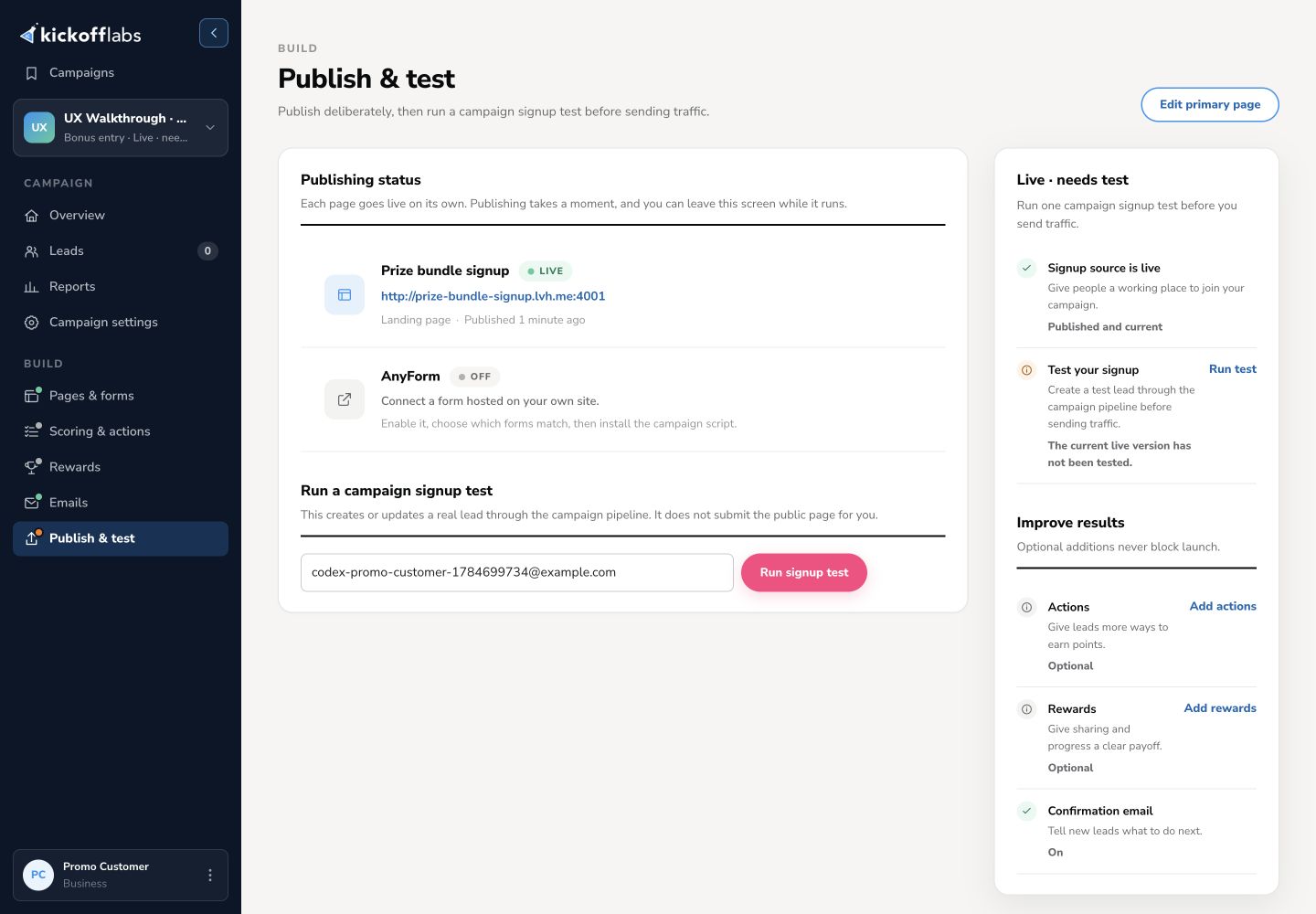
- If this affects leads, forms, referrals, emails, or integrations, submit a fresh test lead and verify the result end-to-end.
- Save the campaign URL, test lead email, screenshots, and any error messages before contacting support.
Need help? Email support@kickofflabs.com with your campaign URL, the lead email you tested with, and a screenshot of what you expected to happen.