

Write a campaign brief
The campaign brief tells KickoffLabs what copy to write. The recipe determines the starting structure and mechanics. Choose both before generating a page.
Describe the offer
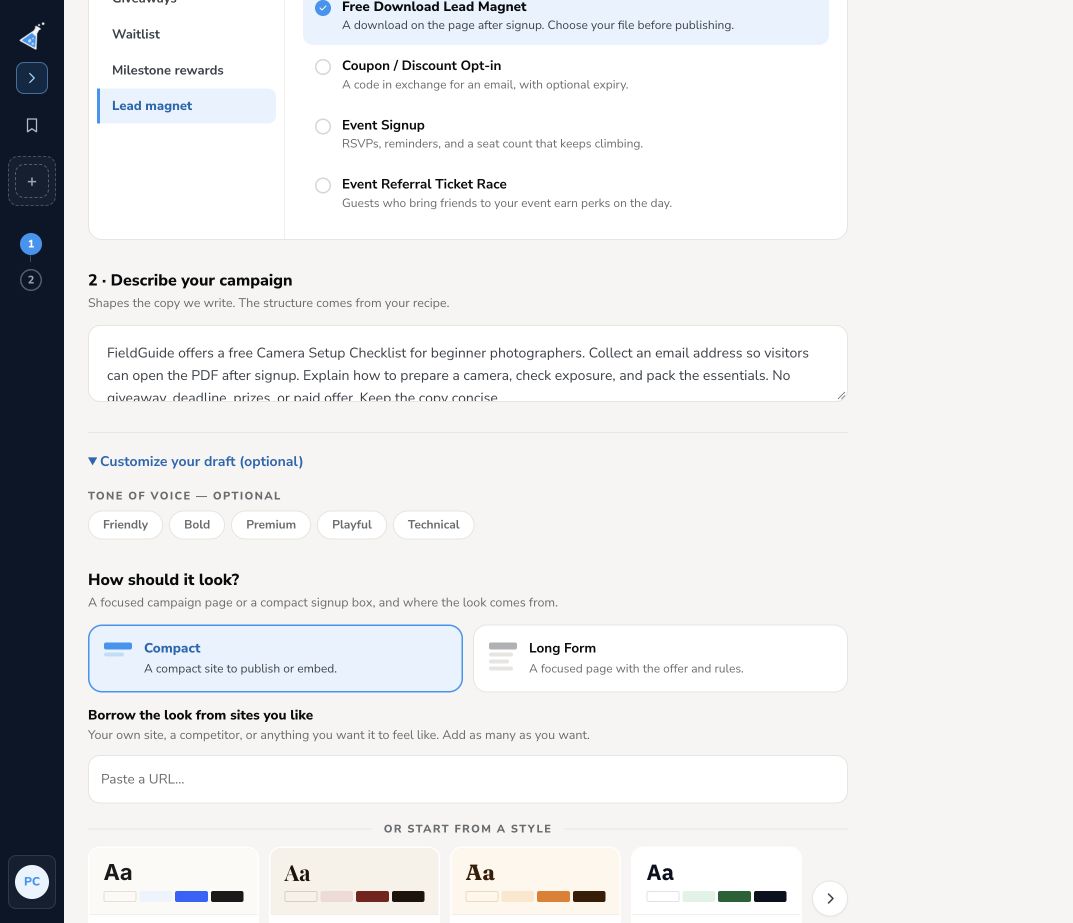
Section titled “Describe the offer”Open Campaigns → + New campaign, select a campaign type and recipe, then fill in the campaign description. Include:
- Your business or product and who the offer is for.
- What someone gets by joining: a prize, early access, reward, download, or event registration.
- What visitors should do, and what happens after signup.
- Any real deadline, eligibility details, and reward thresholds you already know.
For example:
FieldGuide offers a free Camera Setup Checklist for beginner photographers. Collect an email address so visitors can open the PDF after signup. Explain how to prepare a camera, check exposure, and pack the essentials. No giveaway, deadline, prizes, or paid offer. Keep the copy concise.
Write it in your visitors’ language
Section titled “Write it in your visitors’ language”Write the brief in the language your campaign should use. When the brief is in a supported language, KickoffLabs sets the new campaign to that language and generates the first draft in it: the page copy, plus buttons, form labels, and dates. You don’t need to change any setting first. Each campaign type has an En español example to show how it works.
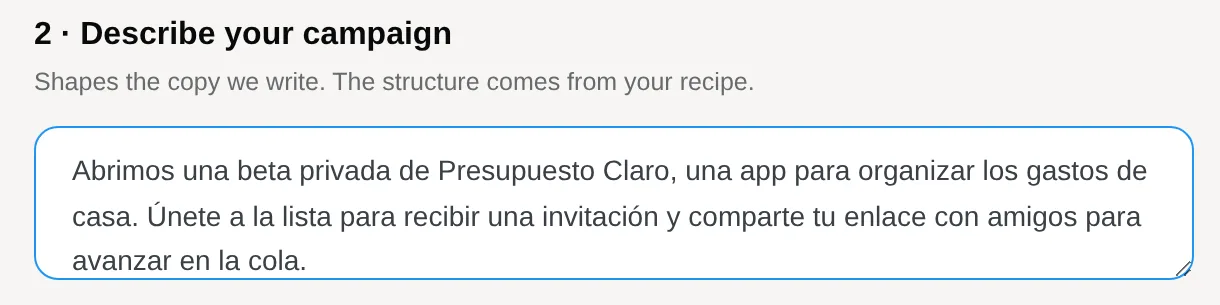
When the designer opens, a note confirms the language it picked. Select Keep to accept it, or Switch to to go back to the previous language. Write the whole brief in one language, and write your campaign emails and official rules in that language too, since they are not generated in it. Translate a campaign into another language.
Choose the starting look
Section titled “Choose the starting look”Expand Customize your draft (optional). Choose a tone, Compact for a focused signup box or Long Form for a fuller page, and a starter style. You can also enter a site URL to borrow its look. Use a publicly accessible page whose visual style suits your campaign.
Review What we’ll set up and the blueprint. Use Edit what’s included if you need to adjust the starting features. A brief that says “no referrals” should be matched by the recipe and feature choices too.
Select Create my draft. Wait for the designer to open; the draft stays private. Review the generated facts, offer, dates, form, and mechanics before publishing. Generation supplies a starting point; it cannot verify your event details or terms.
Choose a campaign type · Edit the page · Rewrite section copy