

Create a bonus-entry giveaway
A bonus-entry giveaway lets entrants improve their chances by referring friends or completing actions. Decide which activities count before you launch, and explain the prize, deadline, eligibility, and winner process in the rules.
Create the private draft
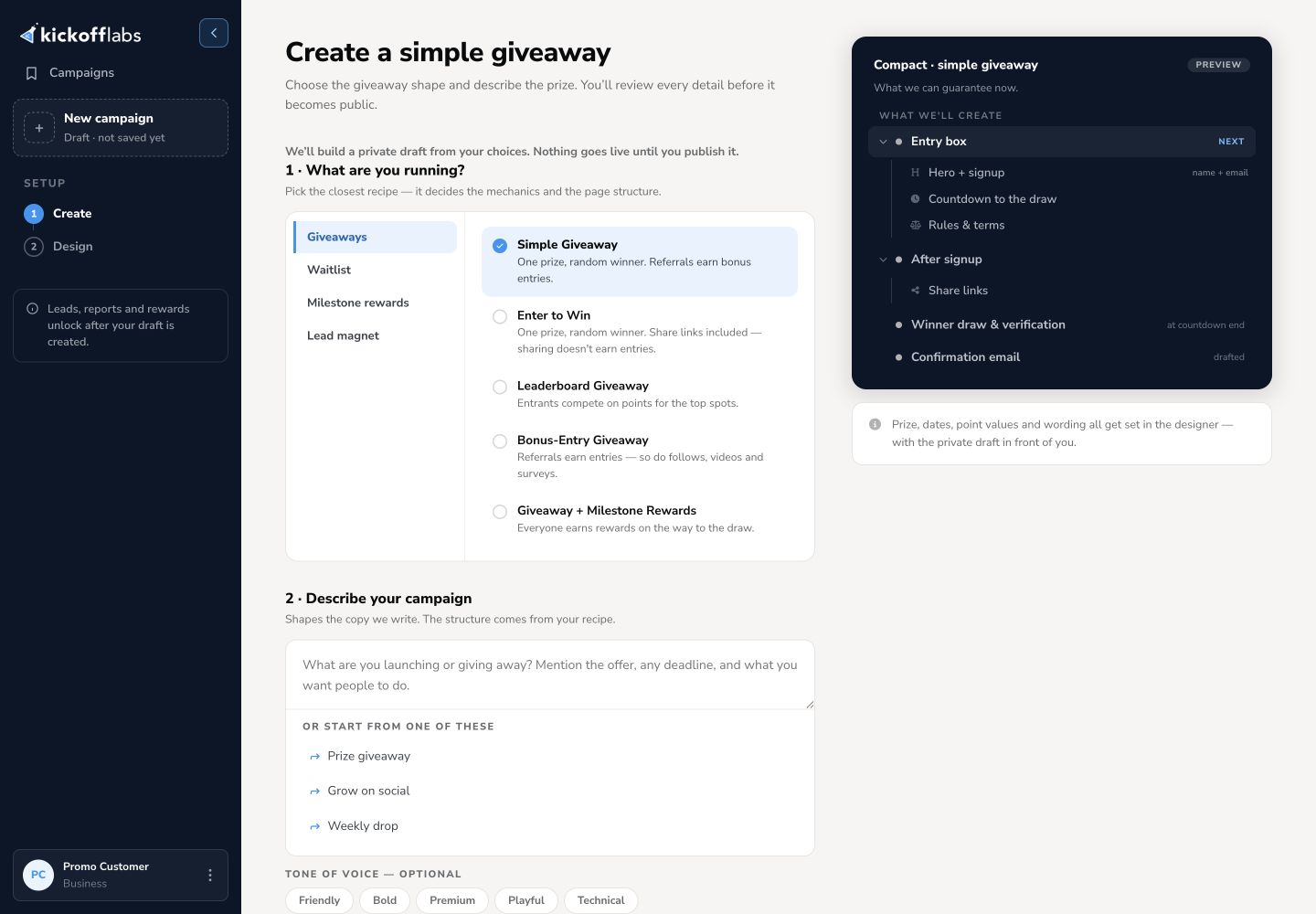
Section titled “Create the private draft”- Open Campaigns and select + New campaign.
- Choose Giveaways, then Referral + Action Giveaway. In this recipe, referrals add entries, and so do actions like follows, videos, and surveys.
- Describe the prize, who can enter, what actions count, and when the giveaway ends. Choose Compact or Long Form and a starter style.
- Review What we’ll set up, then select Create my draft. The generated page remains private until you publish it.
Review the mechanics and page
Section titled “Review the mechanics and page”In the KickoffLabs designer, check Signup and Post-signup. Inspect the generated prize copy, images, form, share prompts, and official rules. Replace placeholders or incorrect details before publishing. Preview lets you check the saved draft at desktop and mobile sizes.
Open Scoring & actions in the campaign workspace to review the points for joining and direct referrals. Add or edit actions, set their points, turn them on or off, and check the lead-facing preview. The supported action types depend on the campaign and account.
Publish and test
Section titled “Publish and test”Select Publish page, then open Publish & test. Run the campaign signup test and confirm Test Passed for the published revision. That test creates a lead in the campaign pipeline; it does not submit the public page. Open the live page and complete a separate visitor signup to verify the entry and sharing experience.
Learn the page editor · Set scoring and actions · Choose a campaign type
Need help? Email support@kickofflabs.com with your campaign URL, the action or entry you expected, and a test lead email.